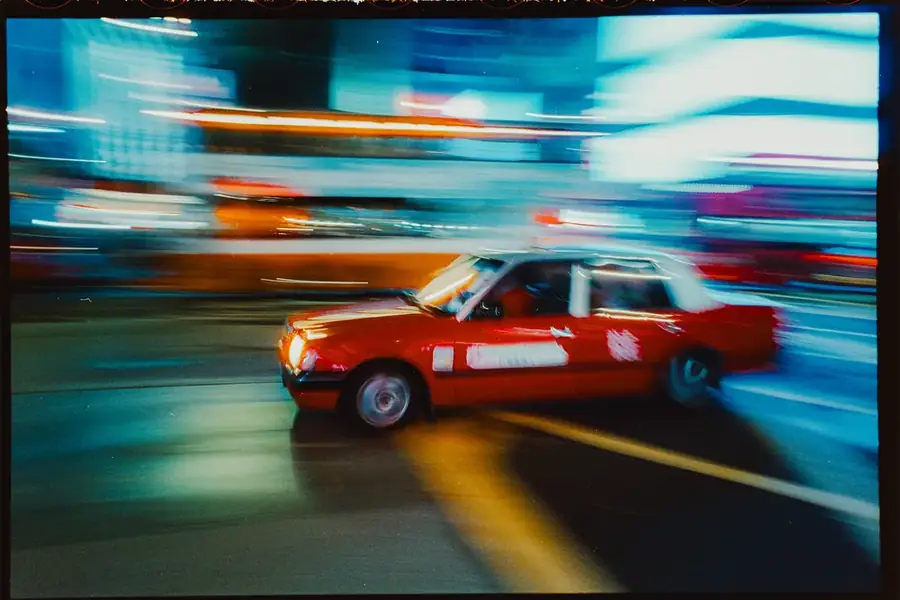
800T ColorExperiments
Twenty looks to start from, one-click layers to bend them until it feels like yours. Lightroom presets by Nick Wohlfahrt.
Browser simulation: Scan as shot
Twenty looks to start from, one-click layers to bend them until it feels like yours. Lightroom presets by Nick Wohlfahrt.
Browser simulation: Scan as shot
One photo, two states. Grab the line, or use the arrow keys.
The looks are the starting point. The tools are what you do with them. Nothing is baked in: every layer is a mask you can soften, strengthen or delete.
Recover highlights, lift or deepen shadows, brighter or darker midtones, glow, matte blacks, more or less contrast.
Film accidents on demand: expired, cross process, bleach bypass, push process, sun faded, black mist, Lomo, tungsten night, disposable flash.
Color wheels from blue to purple, plus teal and orange, pink and blue, green and magenta. One click resets the wheels.
The glow around bright lights, in six colors from classic red to cold blue.
Anamorphic streaks in six colors, light leaks, sun haze, backlight, film burn.
Fine, Classic or Coarse. Or off.
25 borders: black and white mats, letterbox, 6x6, torn film scans, 35mm sprockets, 120 notches, a filed carrier, a light-struck rebate.
Layers stack. Switch one with Cmd/Ctrl+Z or delete its mask. Colors and Grain are switches: a click replaces the last one. Frames are built for uncropped 3:2 photos.
Develop > Presets panel > + > Import Presets > choose the ZIP.
Edit > Presets > ... > Import Presets > choose the ZIP.
Add one layer at a time. Stop when it feels right.
Sold through Stan only. Works in Lightroom Classic, Lightroom desktop and Lightroom mobile (.xmp). Presets are a starting point: how a look lands depends on your photo and your exposure. Not affiliated with Adobe.
€49.99 is the final price (digital download, no shipping). Small business under § 6 (1) 27 UStG (Austria), no VAT charged.
Kurz auf Deutsch: 20 Looks plus Baukasten für Lightroom, 49,99 € Endpreis, Kleinunternehmer gem. § 6 Abs 1 Z 27 UStG, Kauf über Stan.